List view
New Releases
New Releases
Getting Started
Getting Started


Order Management
Order Management


Inspection Management
Inspection Management
Templates
Templates
Log in Fingertip
To get started with Fingertip, you can log in to the web app at app.fingertip.io or download the mobile app for Android or Apple.
Web app
- Go to app.getfingertip.io
- Enter your email address and password, then click on the Sign In button
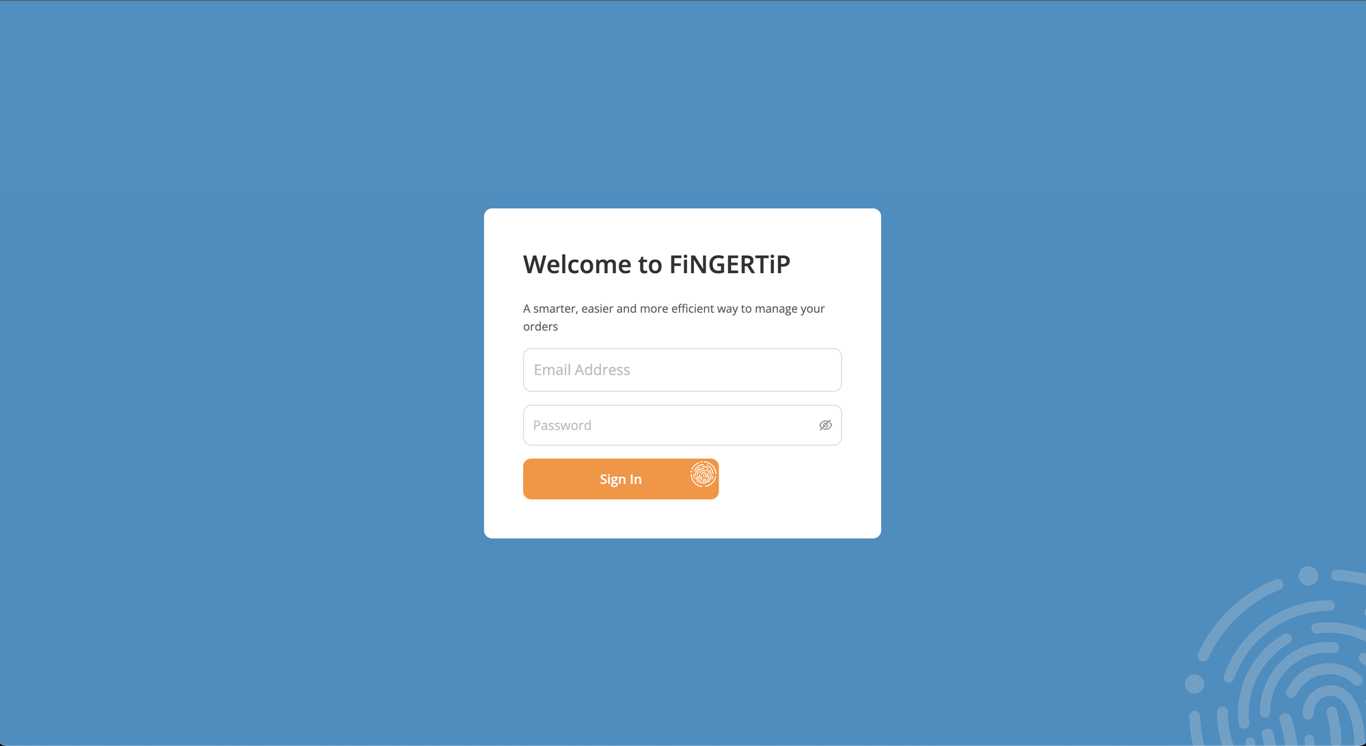
Once you are signed in, you have access to your Fingertip platform on the web. You can start creating and managing your orders, tracking your timelines, and generating your inspections.
Mobile app
- Download the mobile app on your phone store
Or Scan the QR Code below.

- Open the app
- Enter your email address and password, then click on the Sign In button
 Made with Bullet