List view
New Releases
New Releases
Getting Started
Getting Started


Order Management
Order Management


Inspection Management
Inspection Management
Templates
Templates
Navigate in Fingertip web app
Watch the following videos to discover Fingertip’s simple and user friendly navigation.
As an Admin user
As a Standard user
Side navigation bar
- Collapsed by default, expandable anytime: By default your side bar is collapsed. In order to see each icon’s name you can easily click on the highlighted button.
- The sidebar gives you easy access to Orders (Order list and TnA tracker), Inspections, Liveboards (Data analytics) and Settings (for Admin users only).
Top navigation bar
- Notifications: The notification bell located in the top navigation bar gives you access to all notifications related to orders and inspections you are involved in. When you click on the bell, the notification list will appear. A blue dot next to a notification means it is unread, while the absence of a blue dot means it has already been read.
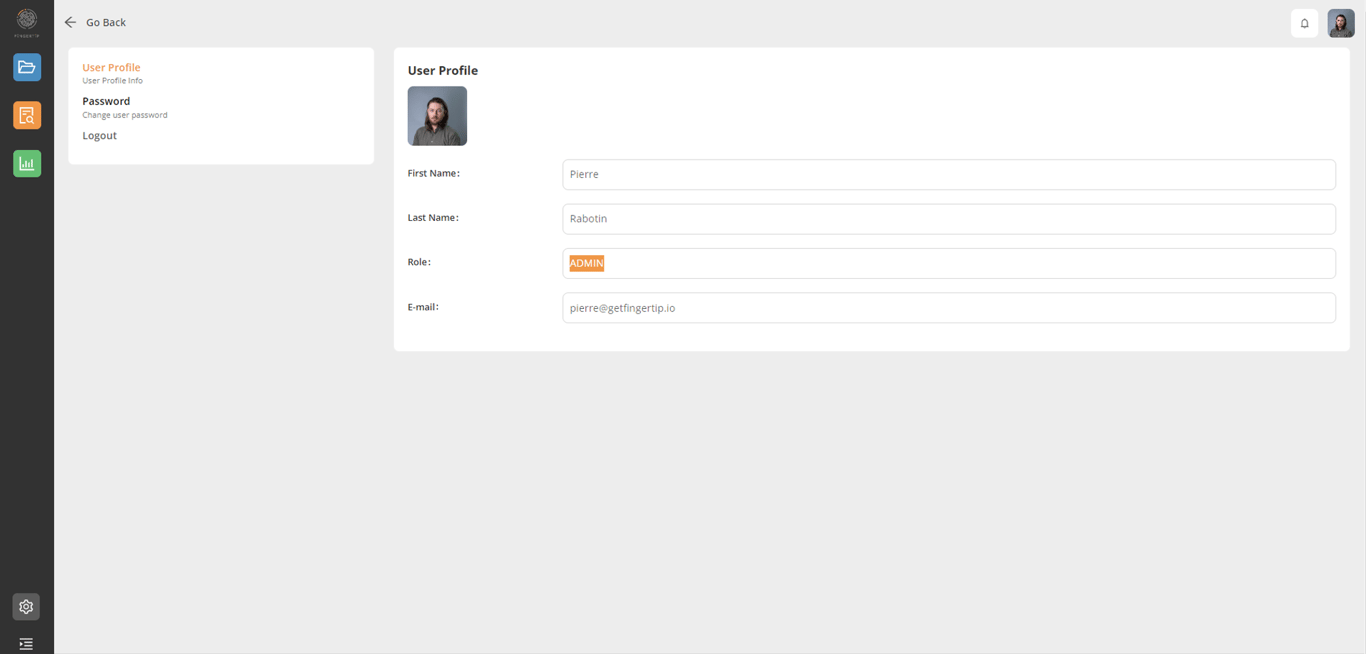
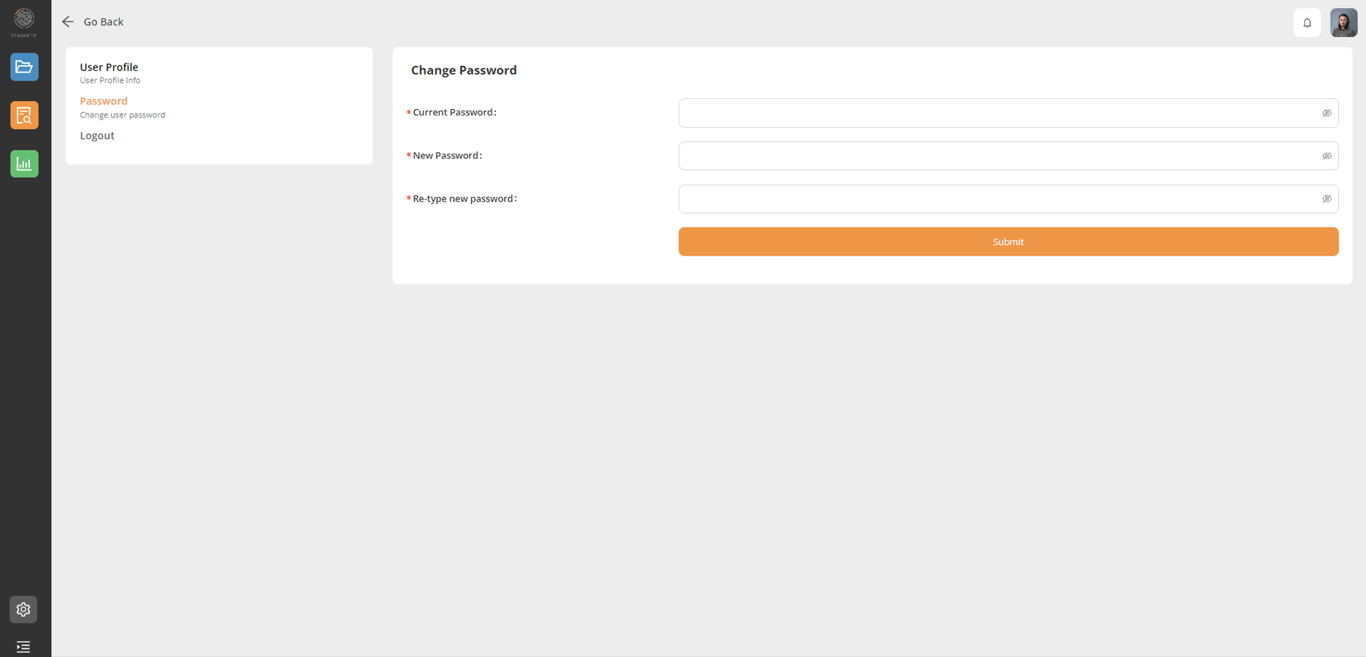
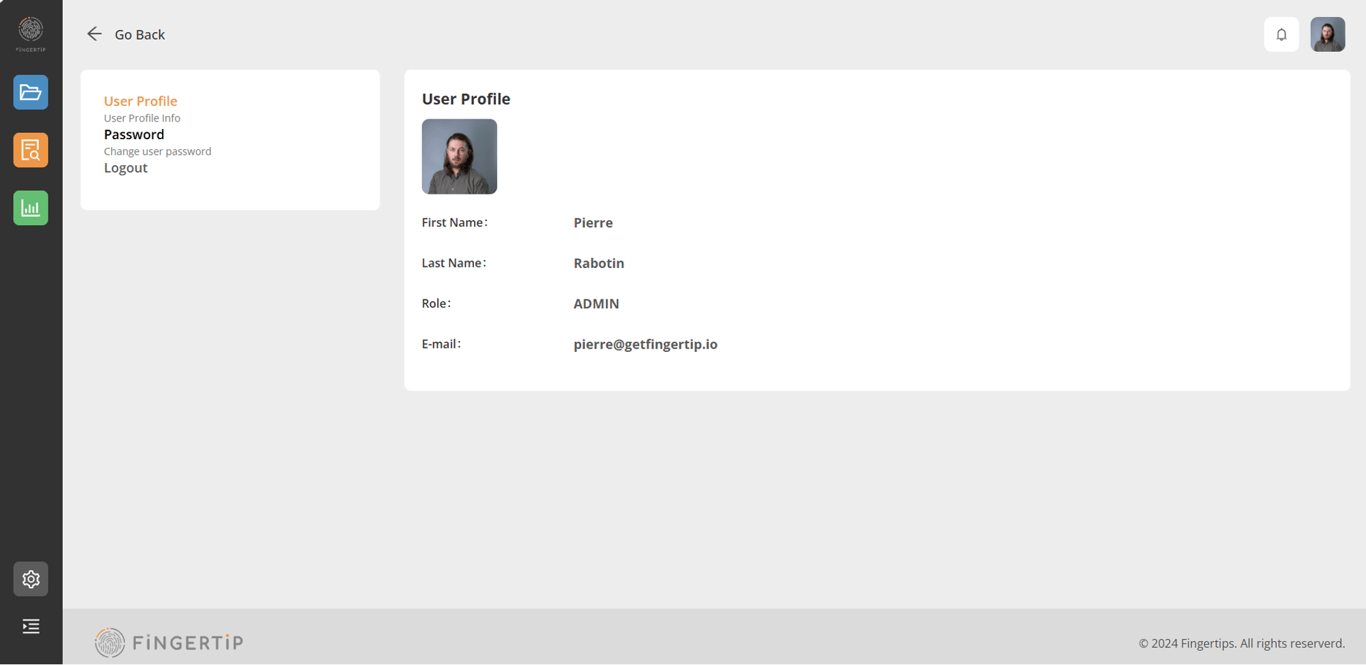
- Profile picture: The profile picture located in the top right corner of the screen gives user access to their personal information.
1) User Profile: where you find your name, role in the platform and email address
2) Password: where you can change your password
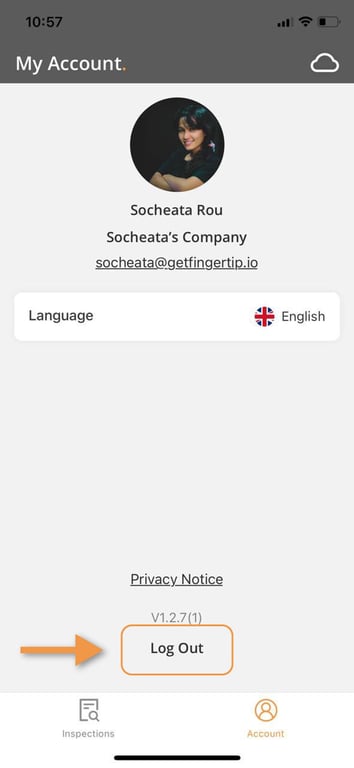
3) Logout: to sign off from the platform
Navigate in Fingertip: QA/QC mobile app
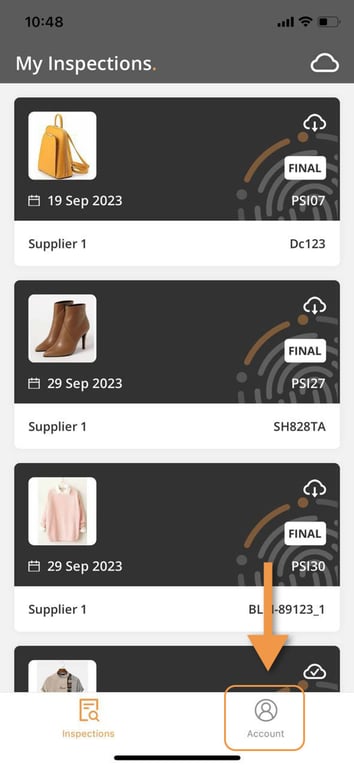
At the bottom of the app, the user can navigate to “Inspections” and “Account”
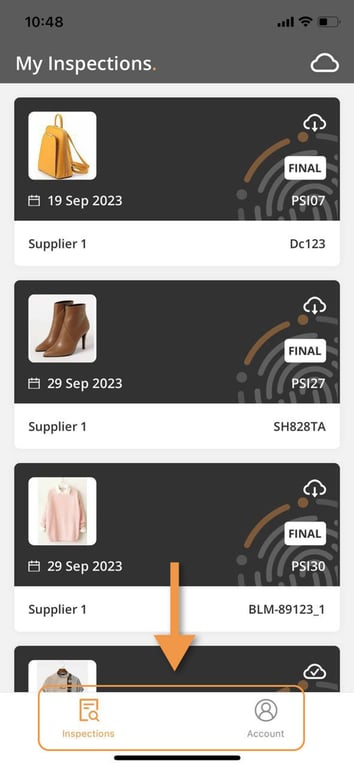
Click on Account bottom to check your account detail
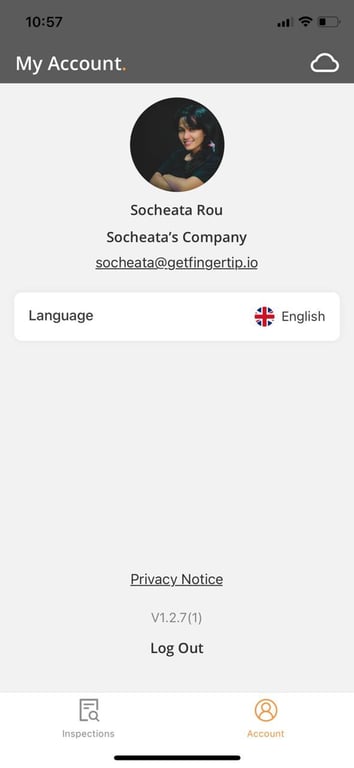
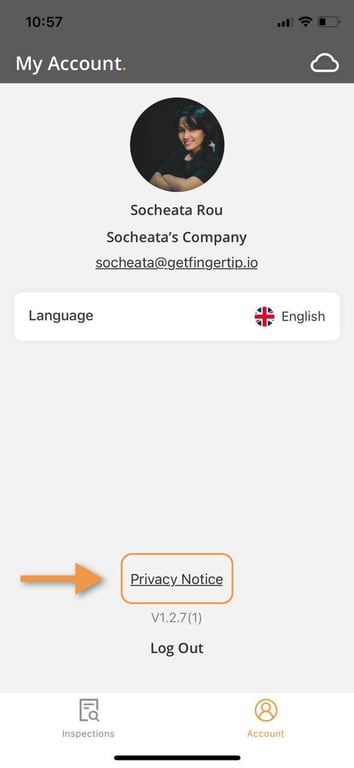
On the Account page, the user can see their user account profile like their name, photo, company, email, language that they are using on the app, version of the app, privacy notice, and log out.
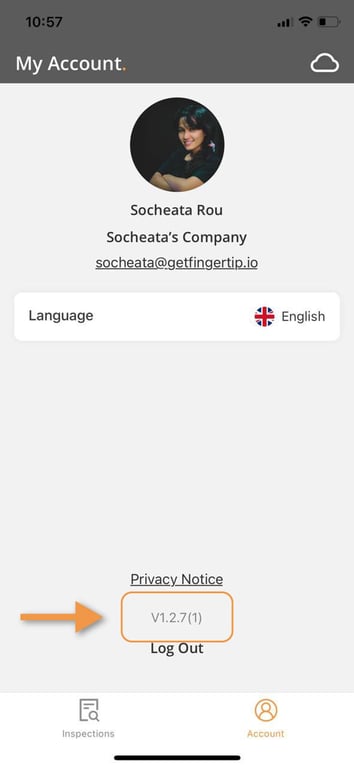
This is the version of the application on your phone.
Privacy Notice is where you can check the privacy about our company.
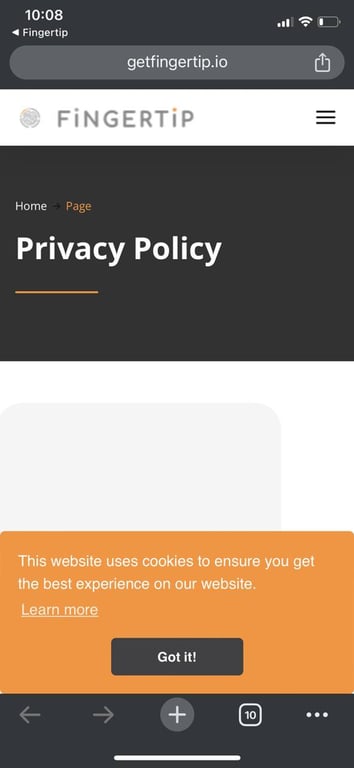
After you click here, the app will take to this Privacy Policy page. You can check all the information here.
Change your language in the app
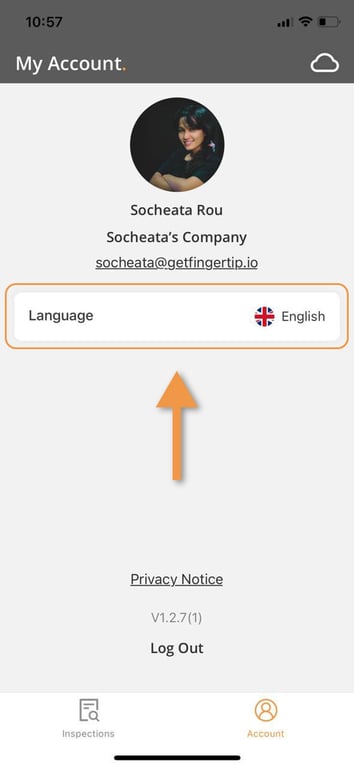
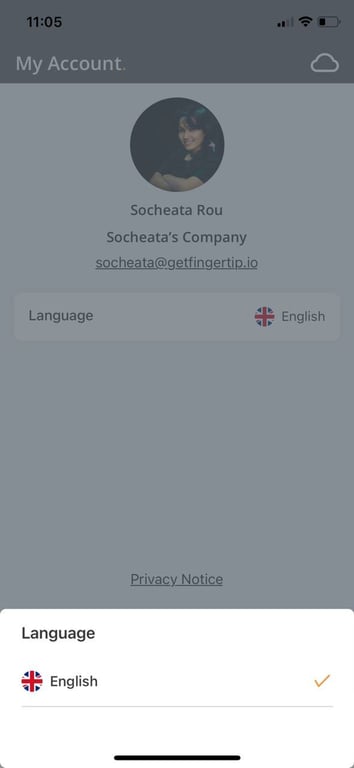
To check the language, click on the “Language” tile and the pop-over will show
Select which language the user wants to change
 Made with Bullet